In this post, I’m sharing the exact hardware I use to record webinars, courses, demos and client content – from my microphone and lighting to my camera setup.
If you’re a course creator, coach or consultant, you do not need a full production studio to create high-quality video content. This setup proves that.
Essential Content Creation Equipment for Recording Video
Typically, if you’re recording content, you need the following hardware:
- Laptop
- Camera
- Microphone (desktop and mobile)
- Lighting
- Tripod
Why This Matters
Having a dodgy setup can be costly on multiple fronts.
Video looks poor quality? People won’t watch.
Bad audio? People click off.
Poor lighting? You look less credible.
Awkward angles? Distracting.
If your audience can’t consume your content because of poor quality, it directly impacts your ability to reach, grow and convert your ideal audience. Not having the right setup can also create additional editing work later, costing you valuable time you don’t have.
My Criteria For Selection
My general reasoning for having selected the below are based on:
- Recommended by other content creators I trust
- Proven quality that lasts (I’ve tried cheaper options before – they didn’t hold up)
- Reasonably priced without sacrificing performance
- Strong brand reputation
- Replaced tools that disappointed me
The Tools I Use…
Here’s what I use for each, and why I particularly like the tools I have found over the years.
1. Laptop
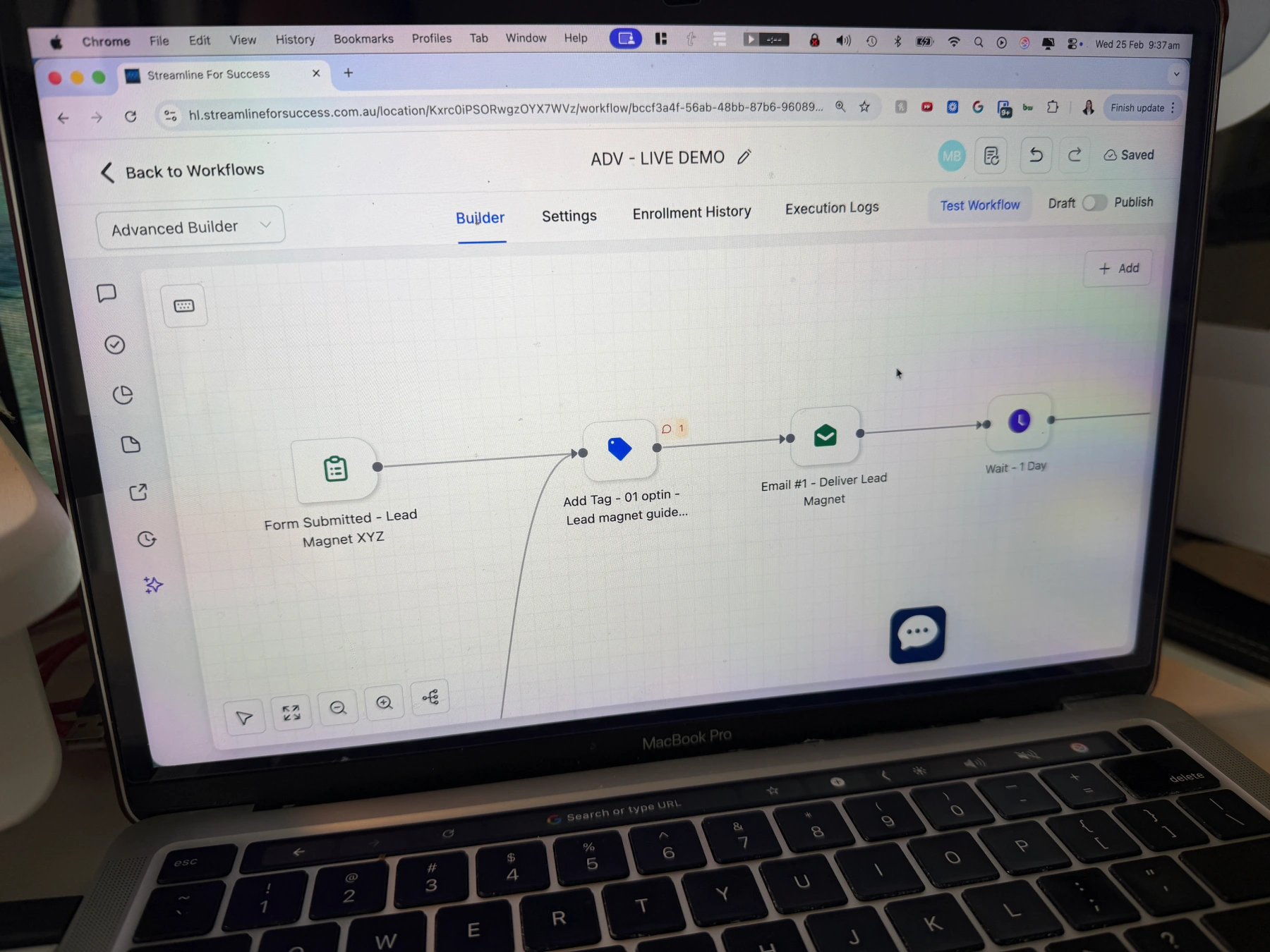
Having converted from PC to Mac many years ago, my last MacBook (and that I still use now), is my MacBook Pro 13”. It handles screen recordings, video processing and long-form content as my central device that brings everything together.
2. Camera – Desktop
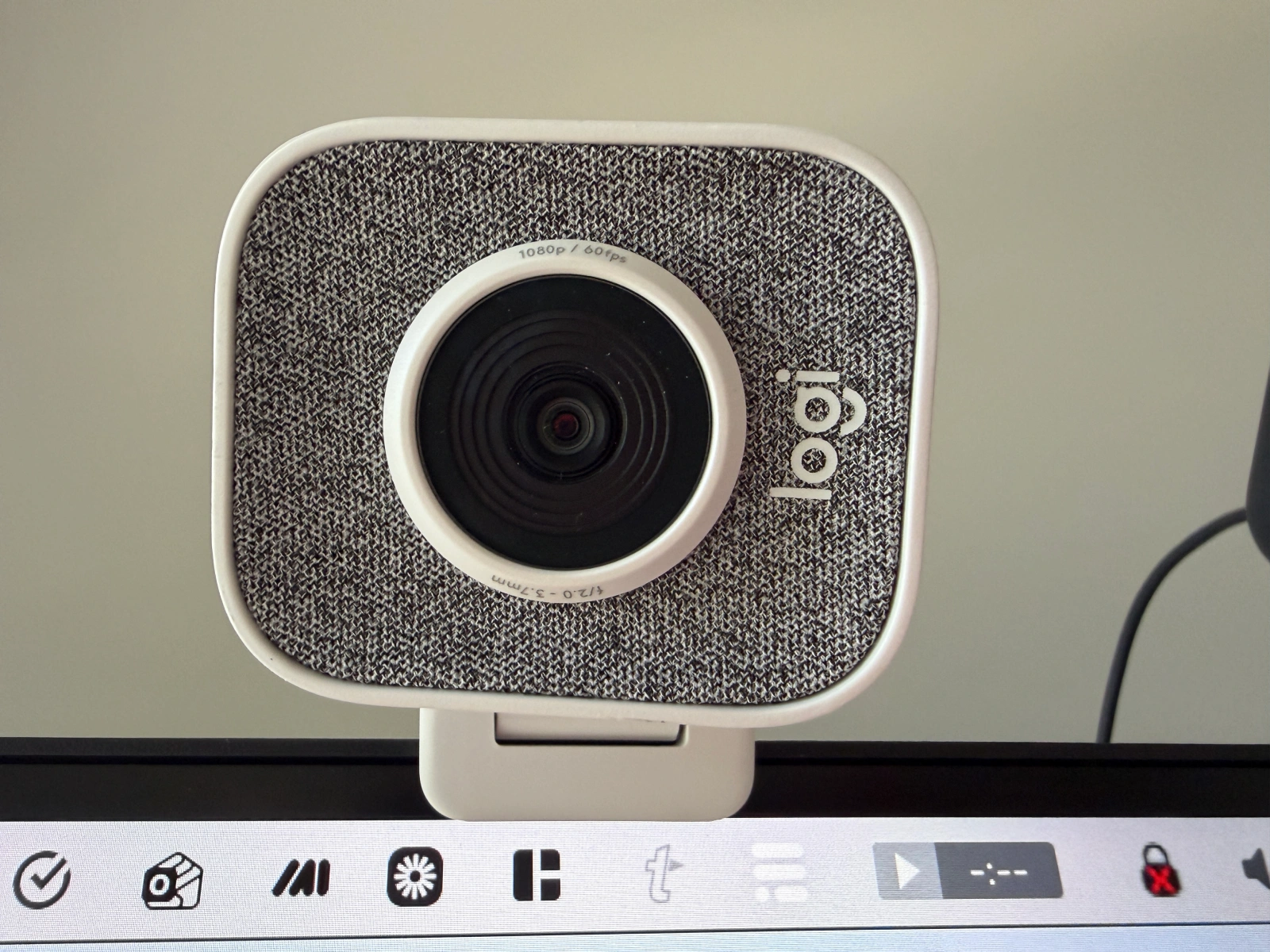
The first camera that I use, is the Logitech StreamCam Full HD Webcam. It’s been a reliable camera for many years, that sits on top of my monitor (I’ll need to upgrade the stand at some point). Why I like this camera? It’s lightweight, very easy to move/adjust, it records a high-quality video and it works seamlessly with all my platforms where I need to present/record myself (e.g. Zoom, Loom).
3. Lighting – Desktop
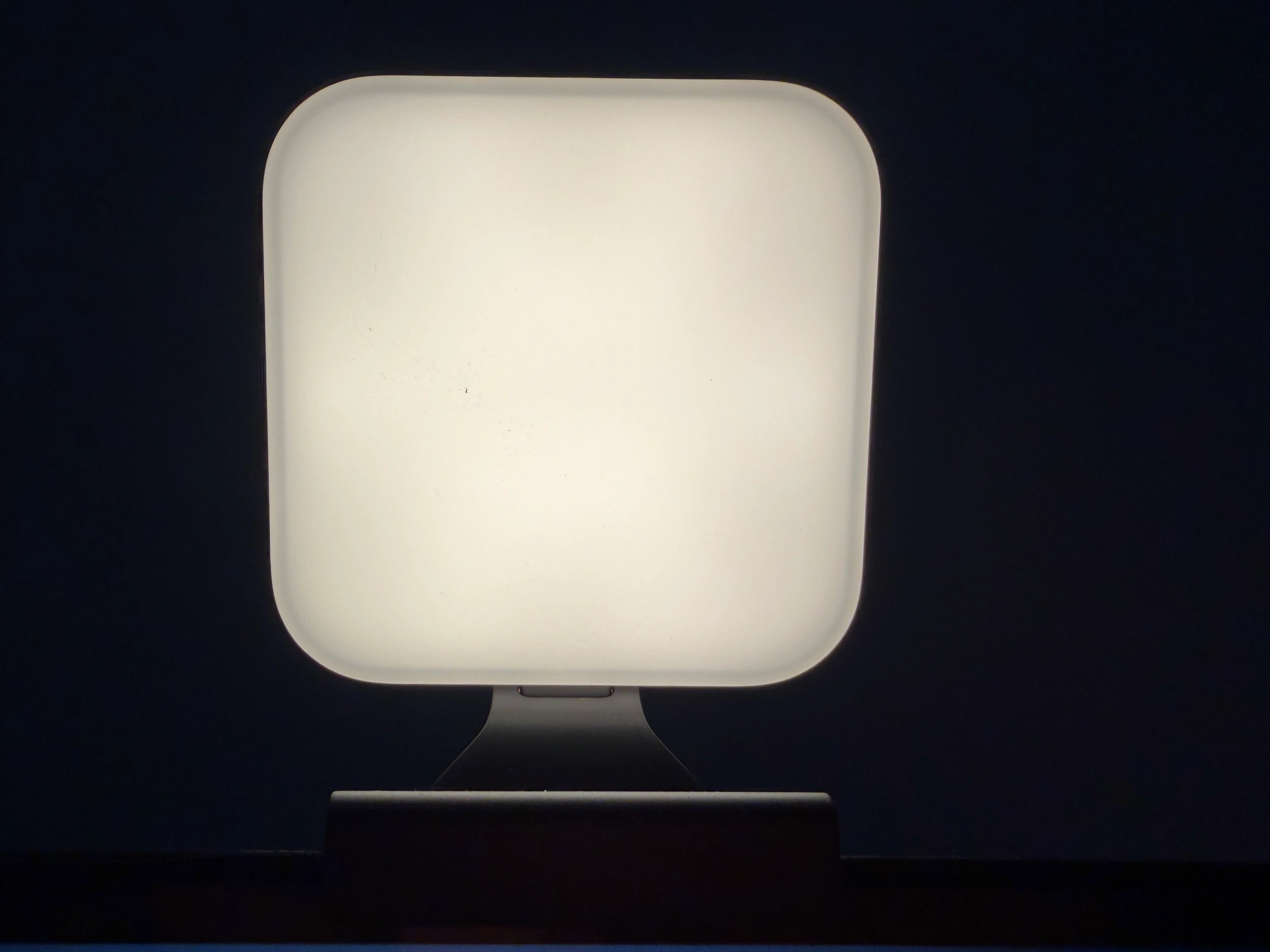
The lighting that I use on my desktop is Logitech Litra Glow Premium Streaming Light. It provides great lighting when I’m speaking to camera. There are a few different settings to soften the brightness, it’s lightweight so travels easily, and can easily be moved around and adjusted. With my office having a window on one side of my face, I sometimes need to move the light to cover more of my face because of the sun coming in on the other side. That is very easy to do with this light.
4. Microphone – Desktop
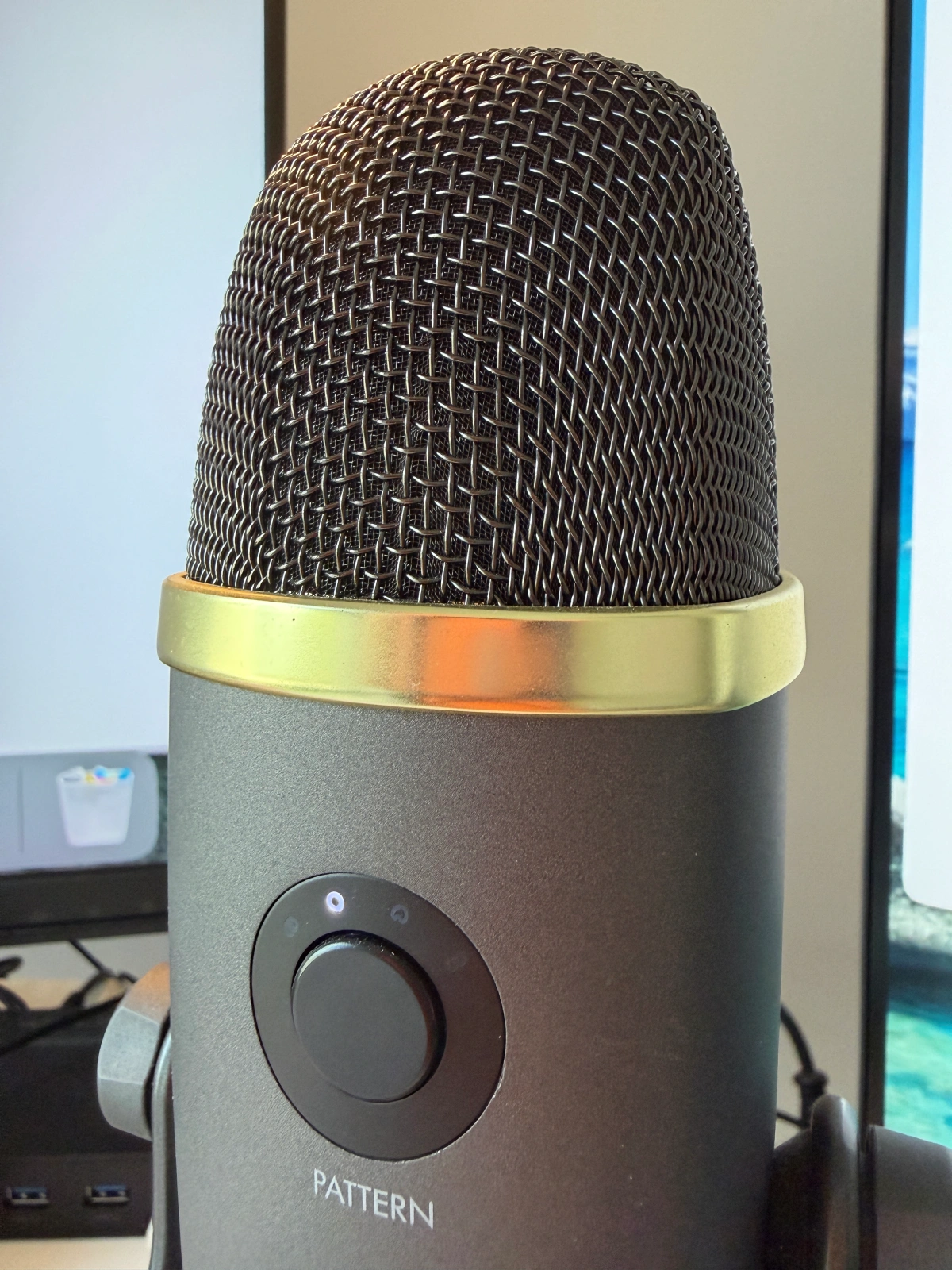
Despite me having a Warcraft microphone ;-), this has been a solid addition to my setup with the Yeti Premium Multi-Pattern USB Microphone with Blue Voice. Used by some of the top course creators in the world, I’d heard about this one for many years, before getting one. I regret not biting the bullet and getting it sooner. It connects easily via a USB port and does an excellent job of removing the background noise (which matters when your office is next to a road).
5. Camera – Mobile
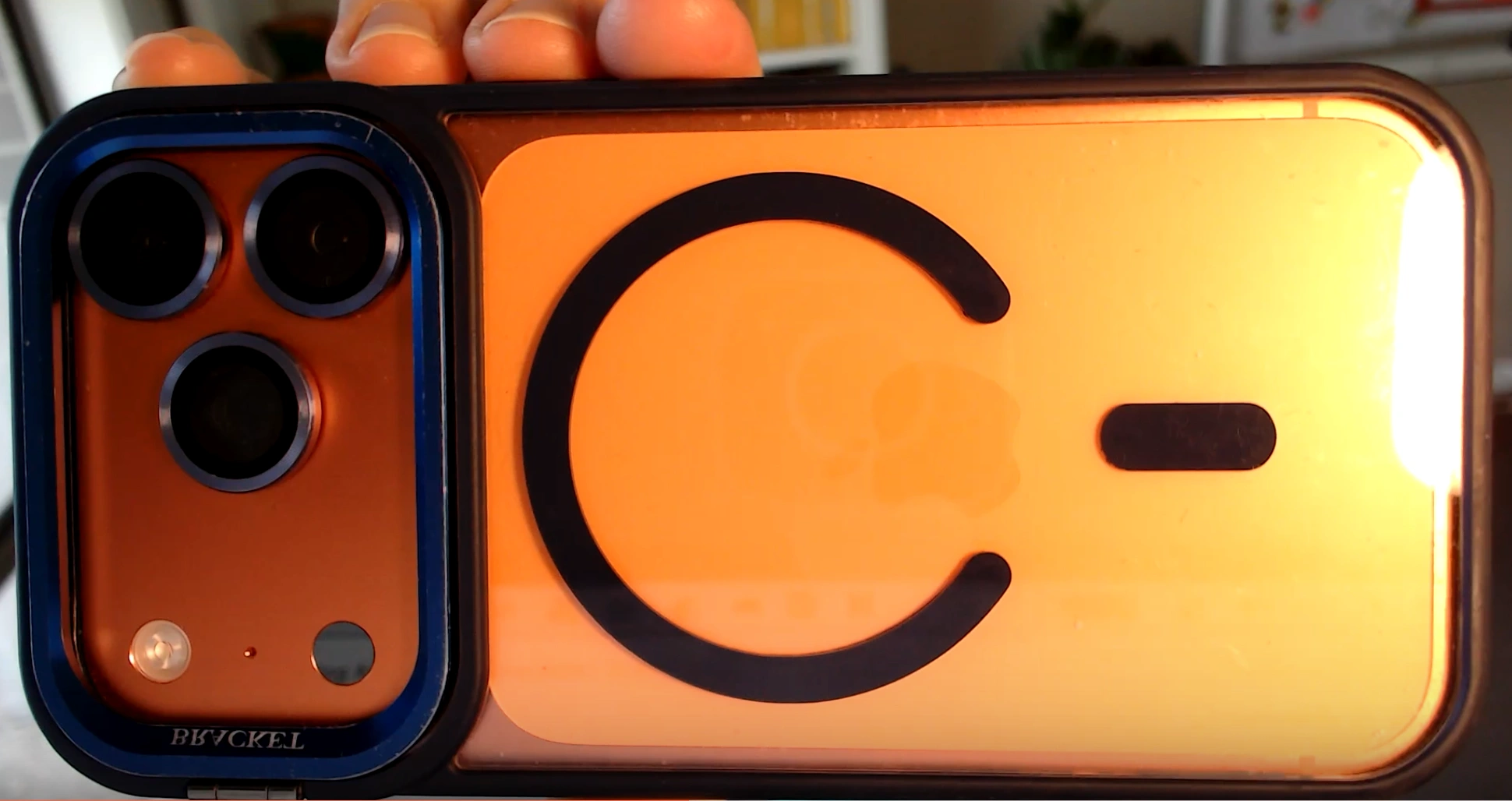
I use my iPhone 17 Pro for mobile recordings. It delivers excellent quality, and because I work within the Apple ecosystem, transferring files to my laptop is quick and simple.
6. Microphone – Mobile
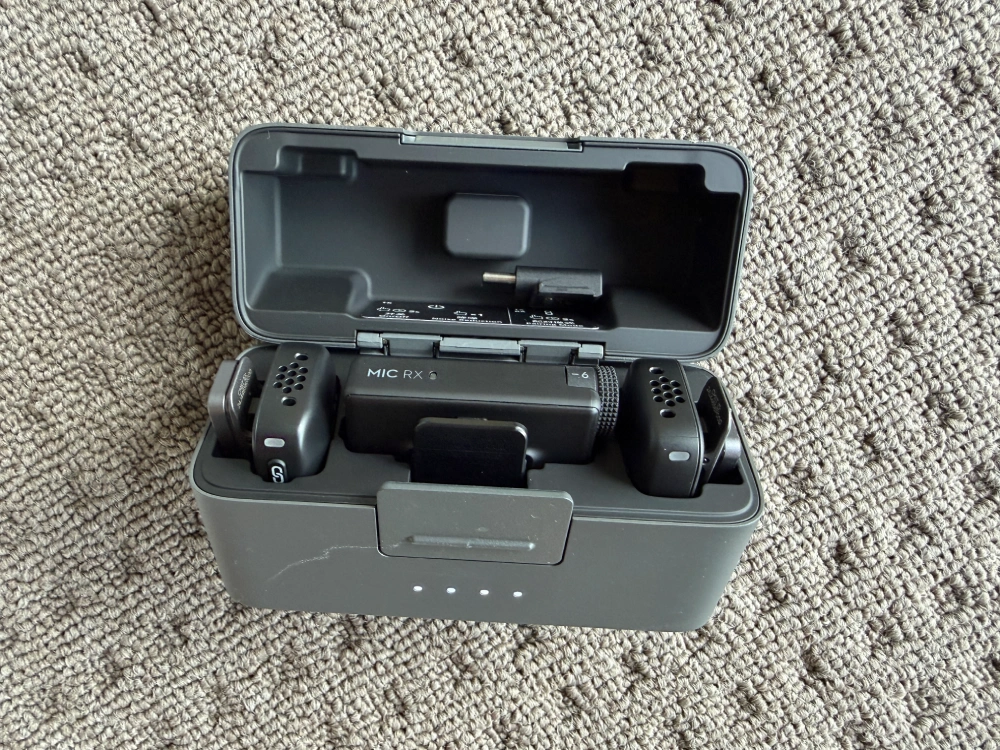
As flagged in the video, I am just trying to use a new microphone for my phone. The DJI Mic Mini is by far the best one I’ve used. I’ve purchased a few over the years, and they have all been too hard to get started or have cheap accessories that deteriorate. It helps to reduce background noise, whether that’s others talking, vehicles or even wind. It’s incredibly helpful that it connects easily to my phone for recording. The travel case is terrific to keep all the pieces together and automatically charge when you put the devices back into the case.
7. Tripod – Mobile
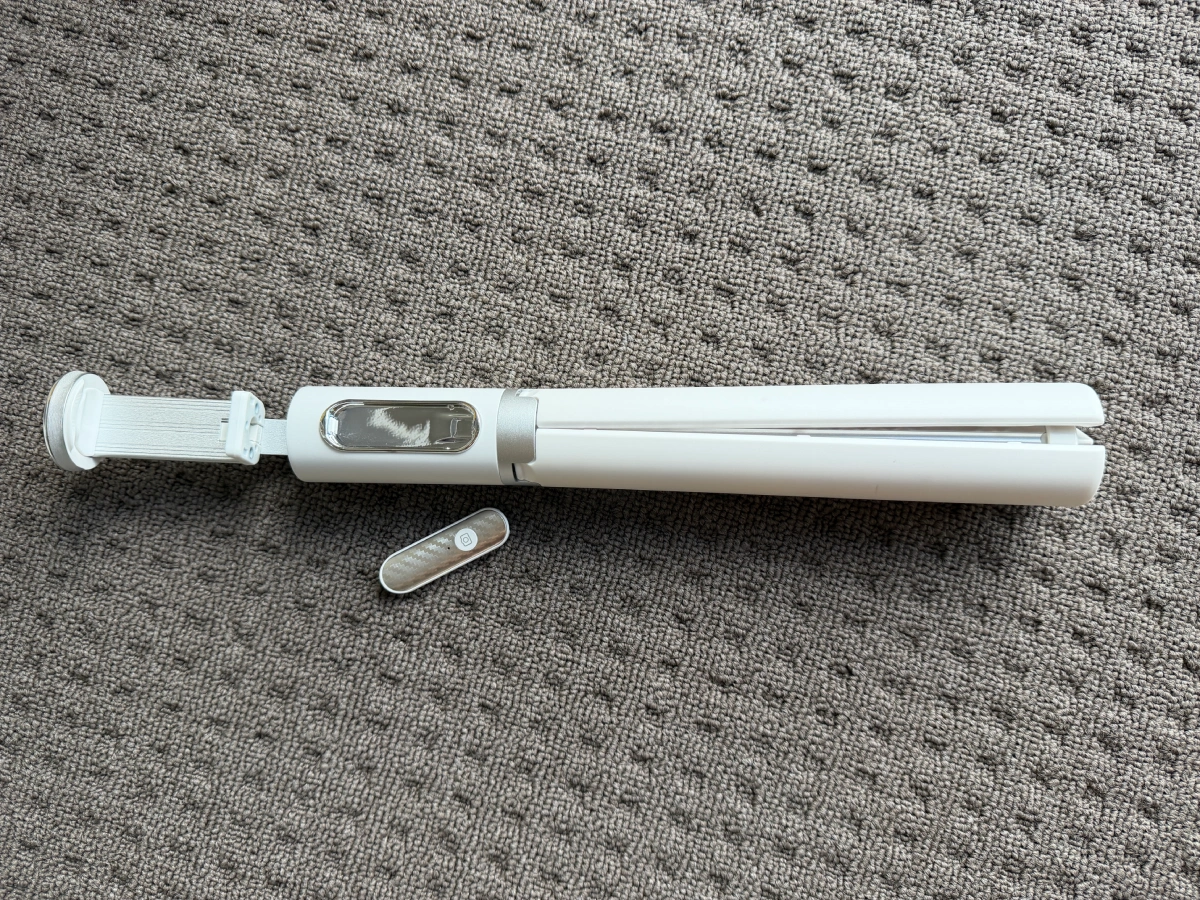
The final piece of the puzzle is the need for a tripod whilst using my mobile camera for batch content recording sessions. The one that was recommended to me is the ATUMTEK 60″ Selfie Stick Tripod. Why I particularly LOVE this tripod, is that it has a remote with a button. Typically, if I’m going to the effort to put extra make-up on and do my hair, it means that I’m creating lots of different content. If so, I need to be able to stop and start, without having to go to the back of the camera to stop and start, which requires of course a lot more editing. What’s also great about this tripod, it’s easy to adjust, and can be pushed down to make it incredibly compact. It is a little unsteady at times because of its lightweight nature, but I’d prefer that, than having a heavy and bulky alternative.
What Tool Should You Prioritise First
The list of hardware that I now have, didn’t start with them all. I have slowly (and I mean SLOOOOWWWLY), added this over time. As you can see in the video, I have only literally just added a new microphone to use with my phone, which I desperately needed. If you are going to embark on enhancing your hardware setup, I highly recommend to start with audio first. You cannot beat quality audio.
Please work out if you are best to get a desktop or mobile microphone first – and get that. There might be an option that does both, but just make sure the quality is what you need.
Frequently Asked Questions About Video Setup
What equipment do I need to record an online course?
You need a laptop, microphone, lighting and a camera. Audio should be prioritised first.
Is a webcam good enough for recording courses?
Yes. A high-quality webcam combined with good lighting is more than enough for most course creators.
Should I upgrade my camera or microphone first?
Microphone. Poor audio drives viewers away faster than average video quality.
Content Creation Hardware Recap
Here is the full list of the hardware that I use. Hopefully this will help save you a heap of time and money trying to find some solid solutions. Please make sure you’re clear on what you need each to do, then compare against each to make sure it’s the best fit for you.
- Laptop – MacBook Pro 13”
- Desktop Camera – Logitech StreamCam Full HD Webcam
- Desktop Lighting – Logitech Litra Glow Premium Streaming Light
- Mobile Camera – iPhone 17 Pro
- Mobile Microphone – DJI Mic Mini
- Mobile Tripod – ATUMTEK 60″ Selfie Stick Tripod
If you’re building an online course or membership, your tech stack matters just as much as your recording setup. Check out are related article on the 6 Online Tools Every Course Creator & Coach Should Know About.